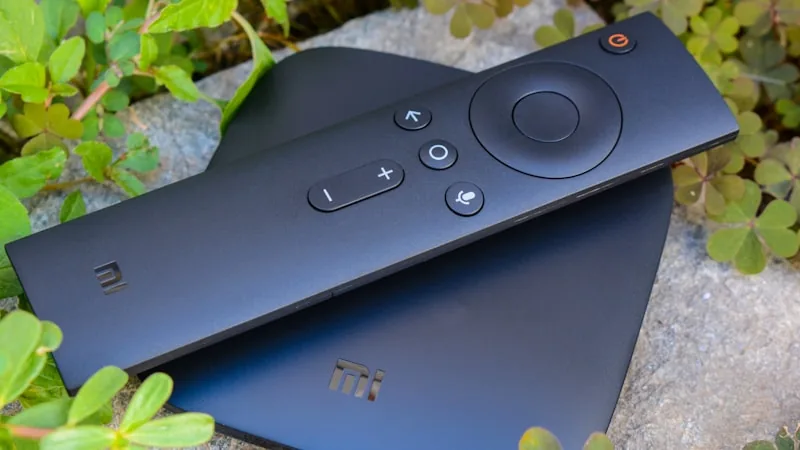
Android is one of the most flexible platforms for IPTV — the same subscription works across phones, tablets, Android TV boxes and Android-based Smart TVs, all using apps available directly from the Google Play Store.
Installing a Player App
- Open the Google Play Store on your Android device.
- Search for a general-purpose IPTV player app and install it.
- Open the app and select the option to add a new playlist or account.
- Enter the login details or playlist URL sent to you after activation.
- Confirm, and your channel list and on-demand library will populate automatically.
Getting the Best Playback on Android
Android devices vary a lot in age and processing power, so a few small adjustments make a real difference to playback smoothness:
- Use Wi-Fi over mobile data where possible, especially for HD or 4K content, to avoid data caps and variable mobile signal quality.
- Close background apps before streaming on older or lower-powered devices, since IPTV playback is more demanding than most apps.
- Keep the player app updated — updates frequently include playback and stability improvements.
Switching Between Devices
Your login stays tied to your subscription rather than to a single device, so installing the same player app on a new phone or tablet and signing back in picks up exactly where you left off — no re-purchasing, no new activation needed.
Common Questions
Can I use IPTV on more than one Android device?
Yes, though the number of simultaneous connections depends on your plan. If you need multiple devices streaming at once in the same household, message us on WhatsApp and we'll advise on the right setup.
Does it work on Android TV boxes as well as phones?
Yes — the same app and login work across Android phones, tablets, Android TV boxes and Android-based Smart TVs.
Ready to Try PrestigeIPTV?
42,000+ live channels, 140,000+ movies and 35,000+ series in 4K. Message us on WhatsApp for a free trial before you subscribe.